Mechanical Keyboard Gifts 2026: Boards, Keycaps and Desk Upgrades
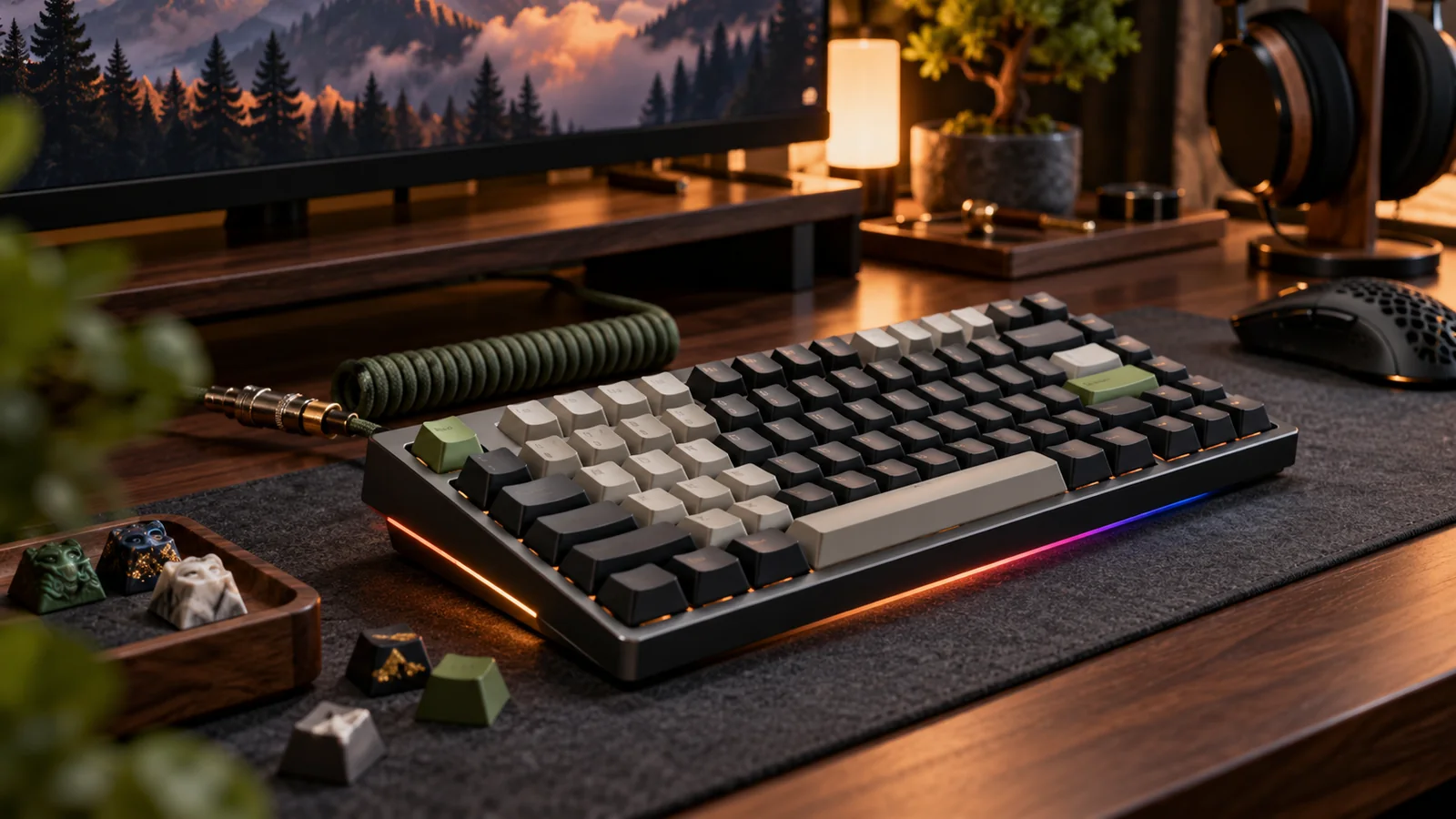
Shopping for someone who loves their mechanical keyboard, or someone you think should try one? This guide covers safe small gifts, upgrades for a board they already own, complete keyboards, and a few big endgame picks.
Start with the quick fit checks below: layout size and switch sockets decide whether many of these gifts will actually work. Then use the filter chips to narrow the picks to the person you are buying for. Every card has a "Check first" note so you can confirm compatibility before checkout.
Before you buy: quick fit checks
- Layout size. Full-size, TKL, 75% and 65% boards take different keycap kits, wrist rests and cases. Count the rows or check the model name before buying anything sized. Our keyboard sizes guide shows each layout.
- Hot-swap sockets, and 3-pin or 5-pin. Switches and switch pullers are only gifts for a hot-swap board. Confirm the socket type before buying switches; see our hot-swap sockets guide.
- Keycap profile and stem. Most aftermarket sets need MX-style cross stems. Low-profile boards and some gaming boards need their own caps, and odd bottom rows are common. Read keycap profiles and bottom-row sizes.
- Mac or Windows, wired or wireless. Mac users want Command and Option legends or a Mac/Windows toggle. Someone with a laptop and tablet will want Bluetooth multi-device pairing; our wireless keyboards guide explains the modes.
- Noise. Clicky switches carry across a room. For an office or shared space, stick to linear, tactile or silent switches; our switch types guide covers the differences.
Stocking stuffers
Small, hard-to-get-wrong gifts that work with almost any board.
Switch tester
A switch tester is a small block with a row of different switches, each topped with a keycap. It lets someone feel linear, tactile and clicky switches side by side before they commit to a full board of one kind.
It suits a person who just got their first mechanical keyboard, or one who keeps asking which switches to try next.
Check first: Testers are for feel, not for installing. Pick one that lists the exact switches it holds.
Read our switch types guide →Keycap puller and switch puller set
A wire keycap puller lifts caps straight up without scuffing them, and a switch puller grips the two clips on a hot-swap switch so it comes out cleanly. The plastic ring puller that ships with many boards is the one most people lose or replace.
Cheap, used every time they clean or change anything, and a good add-on to a bigger gift.
Check first: The switch puller is only for hot-swap boards. On a soldered board, give just the keycap puller.
Read our switch puller guide →Coiled USB-C keyboard cable
A coiled cable with a detachable aviator-style connector is a hobby staple. It keeps the desk tidy and adds a bit of color, and it is the kind of small upgrade people rarely buy for themselves.
Easy to match to a keycap set or desk mat they already own.
Check first: Confirm the keyboard has a USB-C port and that the port is not deeply recessed, since thick connector housings may not seat. Match the computer end too: USB-A or USB-C.
Read our USB port checks →Extended desk mat
An extended desk mat sits under both the keyboard and the mouse. It protects the desk, keeps the board from sliding and takes some of the hollow clack off a hard desktop.
One of the safest picks on this page: choose a color or theme they like and it fits any keyboard.
Check first: Measure the desk first. Gamers who move the mouse a lot usually want a smooth cloth surface.
Read our sound dampening guide →Krytox 205g0 lube kit
For the tinkerer who has started opening switches: a small jar of Krytox 205g0, the default grease for linear switches, plus a fine brush and a switch opener. A small jar goes a long way.
Only right for someone who already mods or wants to, but for that person it is a whole evening of fun.
Check first: 205g0 is for linears and very light use on tactiles. Clicky switches should not be lubed.
Read our lubing guide →Upgrades for the board they already own
The best gifts for someone who already has a keyboard they like. Run the fit checks above first.
PBT dye-sub keycap set (Cherry profile)
A new keycap set is the biggest visual and feel change you can give a keyboard without touching the board itself. Dye-sublimated PBT holds up well and avoids the greasy shine ABS can develop.
Cherry profile is the safe middle ground. Brands like Akko sell complete PBT sets in many themes, which makes it easy to match the person's taste.
Check first: MX-style stems only. Confirm the set covers their layout (65% and 75% boards often need a 1.75u right Shift) and whether they want Mac legends.
Read our keycap profiles guide →Switch packs to try (Gateron Yellow is a safe start)
On a hot-swap board, new switches change the whole feel in an afternoon. Two or three different packs let them swap a row and compare before converting the full board.
Gateron Yellows are a long-running budget linear the community likes; pair them with a tactile pack for contrast.
Check first: Hot-swap boards only. Check 3-pin vs 5-pin sockets (5-pin switches need their side legs clipped on 3-pin plates) and count how many keys the board has. Hall-effect boards need magnetic switches instead.
Read our hot-swap sockets guide →Glorious padded wrist rest
Mechanical keyboards sit taller than laptop keyboards, and a padded rest at the same height takes pressure off the wrists during long sessions. Glorious sells its padded rests in several lengths to match common layouts.
A practical gift for someone who types or games for hours at a time.
Check first: Pick the length that matches their layout: full-size, TKL and compact boards each need a different rest.
Read our keyboard sizes guide →Hard-shell keyboard travel case
A hard-shell case keeps a 60%, 65% or 75% board safe in a backpack, keycaps and all. Useful for anyone who brings their keyboard to the office, a LAN event or on trips.
Also a thoughtful pick for someone who has everything but still carries their board around in a tote bag.
Check first: Measure the board with keycaps on (length, width and height) and compare it to the case's inside dimensions.
Read our 65% keyboard guide →Keyboards for a first board or a better one
Complete boards, from a safe first mechanical to quiet office and competitive gaming picks.
Keychron V series
The low-risk first board: hot-swap sockets, QMK/VIA remapping and a dampened plastic case, in most popular layouts. The V1 (75%) and V2 (65%) are the usual picks.
It grows with them: new switches and keycaps later, no soldering. The V Max versions add wireless.
Check first: Choose the layout size first, and pick a V Max model if they want wireless.
Read our budget keyboards guide →Keychron K series
Keychron's wireless line built around moving between devices: Bluetooth pairing with several machines, a Mac/Windows toggle, and Mac keycaps usually in the box.
A good fit for someone who works across a MacBook, a desktop and a tablet and wants one keyboard for all three.
Check first: Features vary by model. Confirm hot-swap and QMK/VIA on the exact K model (the Pro versions add them) and whether it is a low-profile version.
Read our wireless keyboards guide →Logitech MX Mechanical
A low-profile mechanical keyboard made for office work. It connects over Bluetooth or Logitech's USB receiver, switches between multiple devices, and works with Mac and Windows.
For a shared office, choose the tactile quiet switch option. It is a finished product rather than a modding platform, which is exactly right for some people.
Check first: Switches and keycaps are not standard MX, so they can't be swapped later. A compact Mini version is also sold.
Read our low-profile switches guide →NuPhy Air75
A slim low-profile 75% that sits nicely in front of a laptop and travels well, with wireless built in and a design aimed squarely at Mac users.
The pick for a MacBook owner who wants mechanical feel without a tall board on the desk.
Check first: Low-profile switches and caps: standard MX keycaps will not fit. More than one version is on sale, so compare the listing's version number.
Read our low-profile switches guide →Razer Huntsman
Razer's Huntsman line uses Razer's own optical switches, which register a press with a light beam instead of a metal contact. The higher-end models add adjustable actuation and rapid trigger for competitive play.
A strong gift for a gamer who wants a polished, ready-to-go board from a big brand, in full-size, TKL or compact sizes.
Check first: Optical switches are not interchangeable with standard MX switches. Check the bottom row before buying aftermarket keycaps for it.
Read our switch types guide →Big gifts and endgame boards
For the enthusiast, the serious gamer, or someone ready for a split ergonomic board.
Keychron Q series
Full aluminum case, gasket mount, screw-in stabilizers, hot-swap sockets and QMK/VIA. It is a buy-once platform that outlasts several rounds of switch and keycap changes.
Right for someone who has outgrown a first board and wants the next one to be the last for a while. The Q Max versions add wireless.
Check first: These are heavy boards made for a desk, not a bag. Confirm the layout size before ordering.
Read our gasket mount guide →Wooting 80HE+ or 60HE v2
Wooting's boards use Hall-effect magnetic switches that measure how far each key is pressed. That enables adjustable actuation and rapid trigger, the features competitive FPS players ask for.
The 80HE+ keeps a function row; the 60HE v2 is the compact option for players who want maximum mouse room.
Check first: Wooting sells mainly through its own store and some models ship on pre-order, so confirm the ship date before counting on it for the holidays. Standard MX switches do not work in it.
Read about Hall-effect switches →ZSA Voyager
A low-profile split keyboard with thumb keys. Separating the halves lets the shoulders sit open, and it packs small enough to travel with.
It is a big change to learn, so it suits someone who has already said they want a split board rather than a surprise for a casual typist.
Check first: It uses low-profile Choc switches and caps, not MX. The columnar layout takes real practice. ZSA sells mostly through its own site.
Read our layout software guide →ZSA Moonlander
ZSA's full-height split board with MX hot-swap sockets, thumb clusters and tenting legs. It takes regular MX switches, so the switch hobby carries over.
A dream gift for an enthusiast who has been reading about ergonomic layouts.
Check first: Its grid layout uses mostly 1u keys, so standard keycap kits often won't cover it fully. Pick a set that lists ortholinear or Moonlander support.
Read our hot-swap keyboards guide →In-stock GMK keycap set
GMK double-shot ABS sets are the hobby's prestige keycaps, and a colorway they have been eyeing makes a memorable gift. Buy a set that is in stock now or a complete used kit, not a group buy.
Group buys usually ship months after they close, so a group-buy order will not arrive in time for the holidays.
Check first: Confirm the base kit covers their layout, and for used sets ask for a full layout photo of every key.
Read our used group-buy keycaps guide →Vintage IBM Model M
The buckling-spring IBM Model M is the classic keyboard many enthusiasts want to type on at least once. Vintage units turn up on eBay; Unicomp still makes a new buckling-spring board in the same style with USB.
A great story gift for the person who seems to have every modern board already.
Check first: Original Model Ms use PS/2 or older connectors, and simple passive adapters often fail, so plan on an active USB converter. Loud and heavy: not for a shared office.
Read our used keyboard checks →No picks match that filter. Try All.
Gifts to skip
- A clicky board for someone in a shared office or a thin-walled apartment. They may love it; the people around them won't.
- Switches for a board that isn't hot-swap. Soldered boards need desoldering to change switches, and Hall-effect boards like Wooting's need magnetic switches, not standard MX.
- Group-buy preorders as a holiday gift. They usually ship months later. Give an in-stock set or a gift card instead.
- Random keycap sets for a low-profile or unusual layout. Low-profile boards and many split or gaming boards won't take a standard kit.
- "Mechanical feel" membrane keyboards. They are not mechanical, and the person who wanted a mechanical keyboard will notice.
Gift receipts and return windows
Keyboards are personal, and switch feel is hard to judge from a listing. Before you buy, check the seller's holiday return policy and how long the return window runs, ask for a gift receipt where you can, and keep the box and every included part. For used items on eBay, read the listing's return terms and keep a copy of the listing; our used keyboard checks cover what to inspect when it arrives.
More gift ideas
This is our first gift guide, so here are the buying guides that pair best with it:
Frequently Asked Questions
Only with some homework. Keycaps need an MX-style stem and a kit that covers the layout, including the shorter right Shift on 65% and 75% boards and any nonstandard bottom row. Low-profile boards need their own caps. If you can't check, a switch tester, desk mat or wrist rest is safer.
A hot-swap board with QMK/VIA support in a 75% or TKL layout, such as a Keychron V series board, is a low-risk start. It works well out of the box and lets them change switches and keycaps later without soldering.
Not if it needs to arrive for the holidays. Group buys usually ship months after they close. Buy an in-stock set, or a used complete kit with a full layout photo, instead.
Look for quieter switches and a finished, low-fuss board such as the Logitech MX Mechanical with its tactile quiet option, or a Keychron board with linear or silent switches. Avoid clicky switches. A desk mat also takes some of the clack off a hard desk.
Usually yes. The keys work, but the legends say Windows and Alt instead of Command and Option, and the positions differ. Boards with a Mac/Windows toggle, such as Keychron's, swap the layout for you and often include Mac keycaps.