What Is a South-Facing Keyboard PCB? Why Switch Orientation Matters
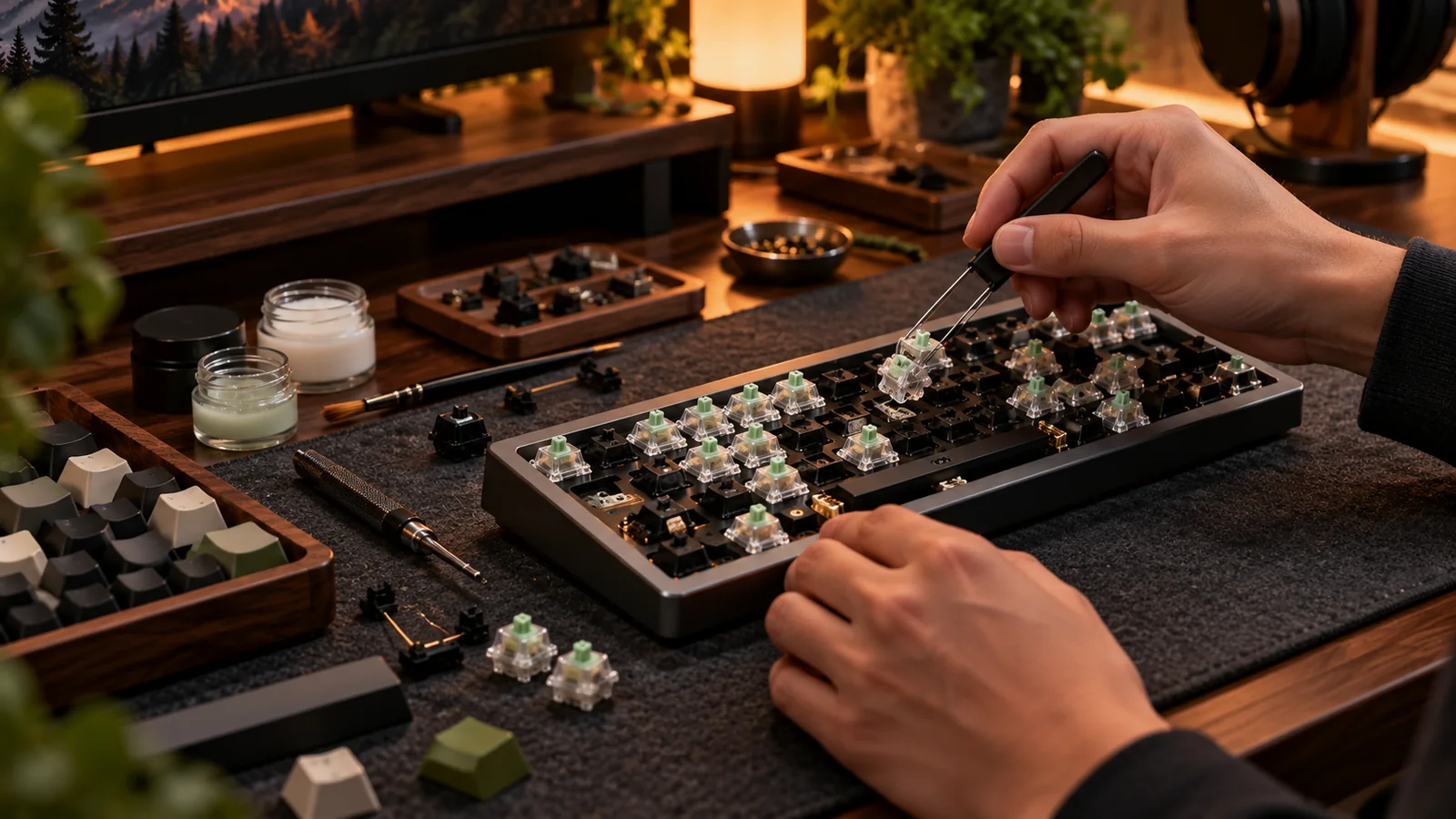
“South-facing” describes where the LED opening sits relative to the switch when viewed from above the keyboard, not the direction the USB port points. It is an important compatibility clue, but it does not tell you whether a PCB supports your case, layout or favorite switches.
Orientation in plain language
With a conventional MX footprint, a north-facing setup places the LED side of the switch toward the top of the keyboard. A south-facing setup places it toward the bottom. The orientation can influence clearance with certain sculpted Cherry-profile keycaps, which is why enthusiasts often favor south-facing layouts for aftermarket caps. Yet the LED’s position is a clue about the switch rotation, not a universal quality badge. Many keyboards with north-facing switches work perfectly with a wide range of keycaps.
The lighting trade-off
If your keycaps use shine-through legends near their top edge, a north-facing LED often lights those legends more directly. South-facing LEDs can make some top legends appear dimmer or less even, depending on the switch housing and keycap design. For non-shine-through PBT sets this may not matter at all. Think about your actual priority: legend visibility in a dim room, or flexibility to try many aftermarket caps. A south-facing PCB bought purely for aesthetics can disappoint if you expect bright stock legends.
PCB fit is a separate equation
Two 75% PCBs can share a rough silhouette yet differ in mounting points, daughterboard connectors, firmware, stabilizer cutouts and USB position. A switch-orientation preference cannot override these differences. Before buying a bare PCB, compare mechanical drawings and maker-supported case lists. Check whether the plate accommodates the PCB’s switch rotation and stabilizers. Hot-swap sockets are soldered to specific locations; you cannot rotate the switch footprint at will to solve a layout issue.
A buyer’s decision rule
If you own a functional keyboard and never notice keycap interference, do not replace the PCB to chase the words “south-facing.” If you are building a new custom with sculpted Cherry-profile caps, choosing a known-compatible south-facing kit is a sensible low-drama default. Either way, document exact board revisions, keycap profiles and lighting expectations. Good compatibility documentation is more valuable than a single feature in a product title.
Before you buy: four things to verify
- Confirm LED/switch orientation from board photos.
- Check whether your caps are shine-through and where legends sit.
- Verify physical PCB mounting and daughterboard compatibility.
- Avoid replacing working hardware to solve a nonexistent issue.
Source and further reading
For the underlying hardware, layout or buyer-protection details, start with Keychron switch and keycap compatibility. Always verify individual model specifications with the maker before purchase.
Frequently Asked Questions
Not inherently. It mainly affects physical clearance and lighting placement for certain combinations.
No. Pins, plate openings and sockets define the orientation; forcing it can damage hardware.