3-Pin vs 5-Pin Mechanical Switches: Check Compatibility Before You Buy
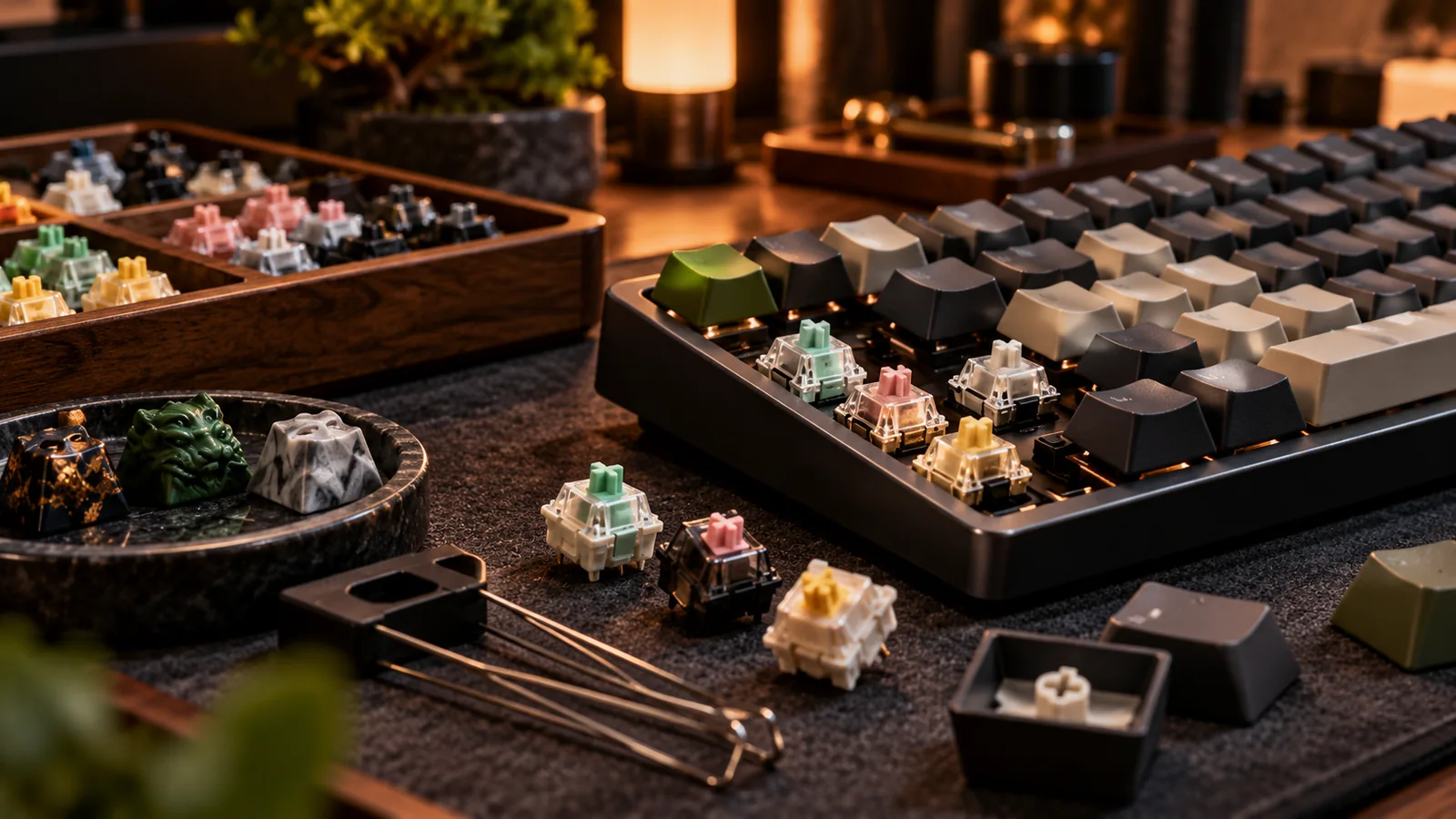
A switch advertised as “5-pin” does not have five metal electrical contacts. Most standard MX-style switches have two metal electrical pins, a center plastic post, and either zero or two additional plastic locating legs. That tiny distinction determines whether a switch drops neatly into your board or leaves you holding a bag of parts that will not seat.
Count the holes, not the marketing language
On the underside of a 3-pin MX-style switch you generally see the center plastic post and two metal contacts. The 5-pin version adds two smaller plastic alignment legs. On a PCB designed for five-pin switches, both versions can often be used because the extra holes merely accommodate the plastic legs. A PCB without those holes cannot take an unmodified five-pin switch. The switch plate may conceal the PCB, so a seller’s overhead glamour photo tells you very little. Ask for a PCB underside image or the exact PCB specification.
When clipping legs is reasonable
If the switch is a conventional MX-style mechanical unit and its only obstacle is the pair of extra plastic locating legs, flush-cutting those legs can make it usable on a three-pin PCB. Use proper flush cutters; trim cleanly and keep plastic dust away from contacts. That is an irreversible change, so test one inexpensive switch first. You do not need to cut the center post or the two metal pins. If a switch seems to require modifying electrical contacts, it is the wrong part. An unsupported plate or socket should never be forced.
Do not confuse pins with switch technology
“Hot-swappable” does not automatically mean “accepts every switch.” Ordinary MX mechanical switches, low-profile variants, optical switches and Hall-effect magnetic switches may use different sensing systems, footprints or sockets. A five-pin mechanical switch does not become compatible with a magnetic-only PCB through clipping. Some branded hot-swap sockets are also limited to particular pin sizes or switch families. Before purchase, match the PCB model, electrical technology, switch footprint and plate support. An exact model number beats broad compatibility claims every time.
The order for a low-risk purchase
First, find the PCB’s documented socket type. Second, pull an existing switch (if the board is hot-swap) and photograph the housing and holes. Third, confirm the candidate switch’s stem and mounting style. Fourth, buy a small test pack before committing to 70 or 100 switches. On arrival, unplug the board, support the PCB near the socket, straighten any bent metal pins, and insert without sideways pressure. If one test switch is troublesome, stop rather than risking a full board of damaged sockets.
Before you buy: four things to verify
- Identify the board and PCB revision, not just the marketing series.
- Photograph one installed switch and the socket before ordering.
- Verify the switch is MX mechanical, not optical or Hall-effect.
- Budget a small test pack and leave enough spares for mistakes.
Source and further reading
For the underlying hardware, layout or buyer-protection details, start with Keychron switch/keycap compatibility. Always verify individual model specifications with the maker before purchase.
Frequently Asked Questions
Usually on a compatible MX-style mechanical PCB; the extra holes are for alignment legs. Confirm the particular socket and plate.
Not inherently. The extra plastic legs add alignment on supporting PCBs; feel depends on the switch design and keyboard assembly.