A Key Stopped Working After a Switch Swap: Troubleshooting in Order
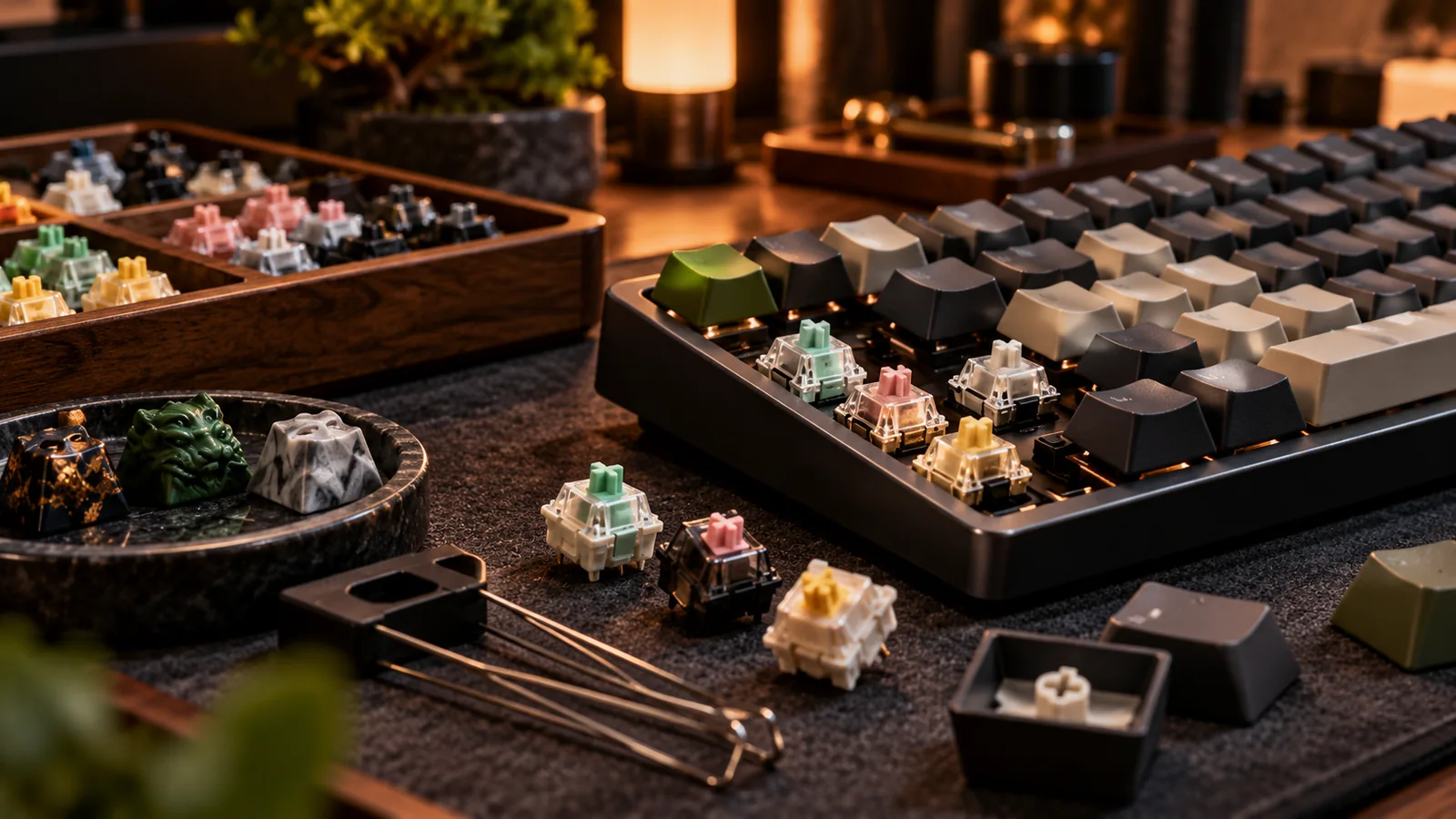
You pull a switch, install a new one, and suddenly that key does nothing. It is tempting to declare the board dead. In a hot-swap setup, the cause is often something much smaller: a bent metal pin, poor seating, the wrong switch family or a damaged socket.
Return to the simplest comparison
Unplug the board and gently remove the suspect switch. Inspect its two metal pins under good light. A bent pin can fold underneath rather than entering the socket, giving the illusion of a successful installation. Try a known-working switch of the same compatible type in the position. If the key returns, the issue follows the switch. If it does not, you need to investigate the socket or PCB. Do not cycle the same misaligned pin repeatedly; that can spread or damage socket contacts.
Check the physical assembly
Confirm the switch is seated flat in the plate and that its plastic posts align with the PCB openings. Support the PCB underneath when reinserting. A plate that flexes away from the socket can make a switch appear inserted when one contact is not seated. If several nearby keys fail after a case rebuild, consider a displaced daughterboard cable or assembly issue rather than simultaneous bad switches. Never force a 5-pin switch into a PCB without the necessary holes, and do not assume magnetic or optical units fit an MX socket.
Use a keyboard tester to isolate behavior
Test the key repeatedly with a simple input-tester application, checking for no actuation, intermittent actuation and duplicated input. If the board supports remapping, temporarily restore a default keymap to rule out a missing key assignment. Advanced electrical diagnosis may involve a multimeter or socket-contact test, but do not bridge arbitrary components while the board is energized unless you know the circuit and procedure. Photograph visible socket damage and consult the maker before attempting a solder repair.
Know when to stop
A lifted hot-swap socket, cracked solder joint or damaged PCB trace requires tools and skill beyond ordinary switch swapping. Continuing to push replacement switches can make it worse. On a warranty board, contact support with photos rather than performing an improvised repair. On a used kit, compare professional repair cost with a replacement PCB. A methodical five-minute diagnosis will often save the project, but respecting the boundary between user-serviceable and board-level repair saves more.
Before you buy: four things to verify
- Unplug and examine switch pins before reseating.
- Cross-test with a known-good compatible switch.
- Confirm plate support and socket alignment.
- Stop if sockets lift or traces appear damaged.
Source and further reading
For the underlying hardware, layout or buyer-protection details, start with QMK hardware keyboard guidelines. Always verify individual model specifications with the maker before purchase.
Frequently Asked Questions
No. Bent or mis-seated switch pins are common reversible causes; test those first.
No. More force can worsen detached solder pads or socket damage.