The $50 Mechanical Keyboard Upgrade Order: Switches, Caps or Stabilizers First?
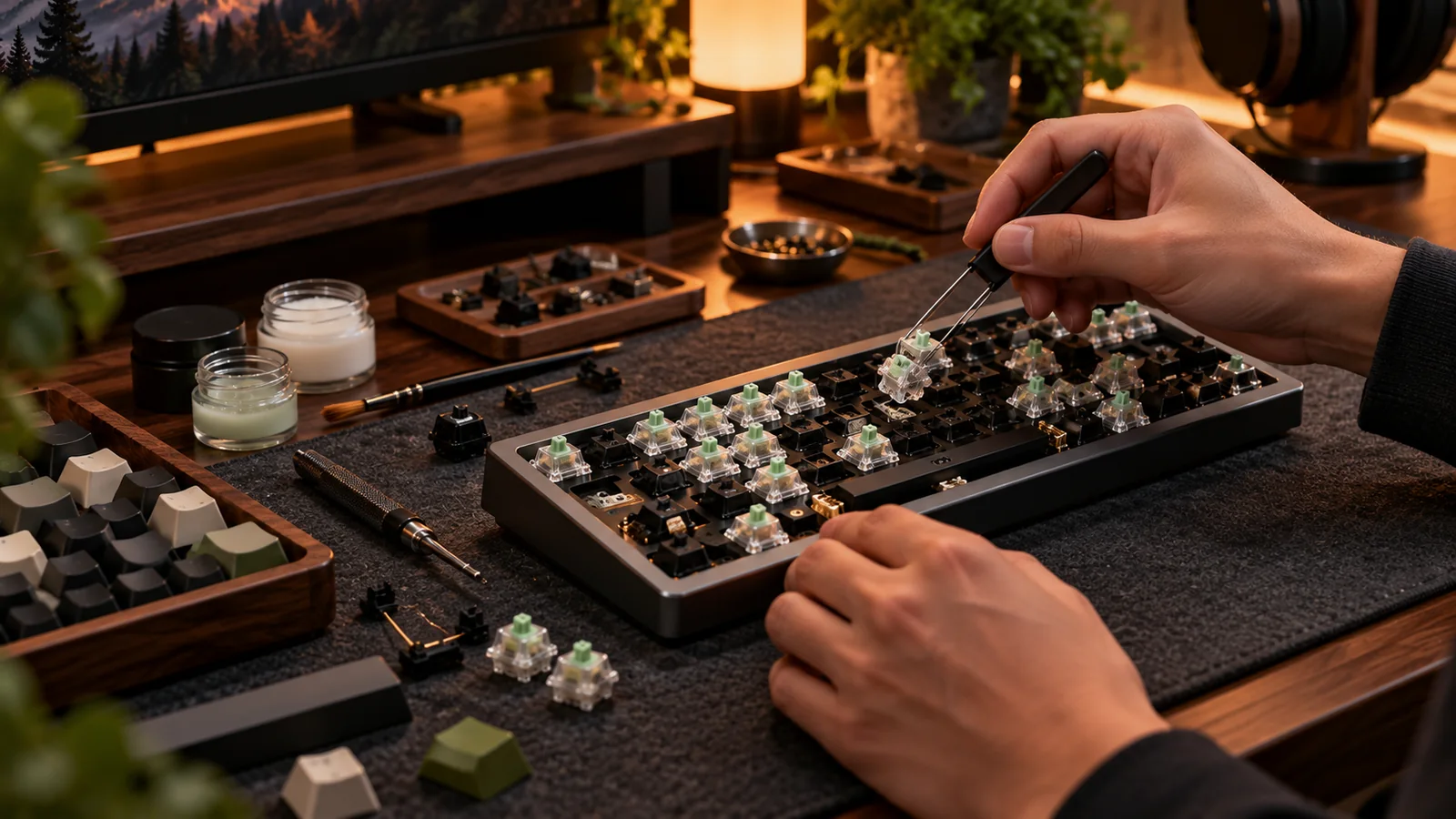
A $50 upgrade budget is too small to fix everything and large enough to waste on the wrong part. The best first upgrade depends on the defect you actually notice. Fix the thing that bothers you on every keystroke, not the thing with the prettiest video on social media.
If the spacebar rattles, start with stabilizers
An annoying spacebar can dominate how a keyboard sounds. Before replacing anything, check the cap fit and wire seating. Appropriate small-quantity lubricant or a compatible inexpensive stabilizer set may solve it for far less than your full budget. If the board uses an unusual mounting system, verify parts before ordering. Spending $50 on premium switches while retaining a loose spacebar wire rarely delivers the dramatic improvement you expect. Do a quick before-and-after recording using the same phone position and typing phrase.
If the keys feel wrong, consider switches
Hot-swap boards make switch changes accessible, but a full 75% replacement needs enough units for every key plus spares. Rather than buying seventy unfamiliar switches immediately, start with a sampler covering linear and tactile options and compare them for a day. If you love the result, buy the larger pack from a listing that specifies exact switch variant and quantity. Make sure your socket supports the footprint. On a soldered board, the swap includes labor and tools; a keycap upgrade or modest tune may be more realistic.
If the surface bothers you, buy keycaps carefully
Glossy caps, hard-to-read legends or the wrong typing profile are legitimate reasons to upgrade. A durable PBT set can be satisfying, but check exact layout coverage first. A bargain 104-key kit with no 1.75u right Shift may leave a compact board half-dressed. Do not assume expensive keycaps fix stabilizer noise or scratchy switches. Lighting expectations also matter: opaque PBT with excellent printed legends can make backlit legends disappear. Buy caps because you want their texture, profile and appearance.
A decision tree for the remaining money
Try a desk mat or better feet if the entire case resonates on the tabletop. Clean and reseat keycaps if several keys feel inconsistent. Reserve some budget for proper tools rather than risking sockets with kitchen pliers. Then compare the total upgrade spend against a newer board that already includes the features you want. Sometimes the smartest $50 improvement is saving toward a better platform; other times a ten-dollar repair transforms the board you own. The trick is diagnosing before shopping.
Before you buy: four things to verify
- Name the single most annoying problem and measure it.
- Fix stabilizer rattle before buying unrelated switches.
- Sample switches before replacing a whole keyboard.
- Confirm cap sizes and keep money for tools or spares.
Source and further reading
For the underlying hardware, layout or buyer-protection details, start with Keychron keycap fit guidance. Always verify individual model specifications with the maker before purchase.
Frequently Asked Questions
There is no universal first part. Stabilizer tuning, switch changes and keycaps solve different problems.
Only if switch feel is the issue, the board supports them and you know which model you want.