How to Clean a Second-Hand Mechanical Keyboard Thoroughly
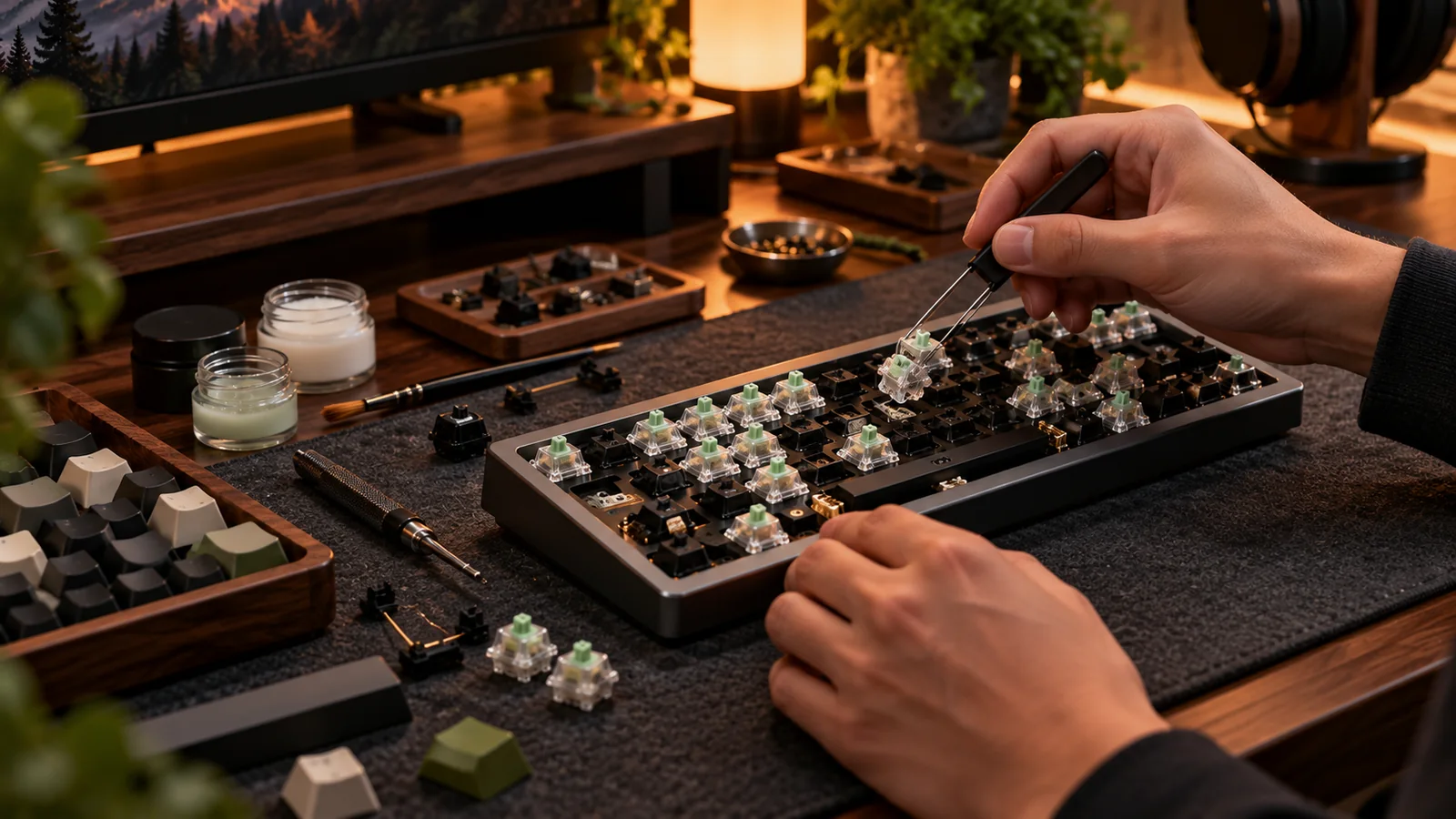
Buying used gear is much nicer when the first hour is cleaning instead of typing through somebody else’s crumbs. A careful clean is simple, but a casual soak can damage electronics, lubricants, adhesives or the finish. Work from the outside inward and stop before turning a cosmetic problem into a PCB repair.
Disconnect, document and sort
Unplug wired boards and power off wireless models. If the battery is accessible, follow the maker’s service guidance; do not pry or puncture lithium cells. Photograph the layout before taking off caps, especially unusual modifiers and sculpted profiles. Remove loose debris with a soft brush and low-pressure air. Hold the board at an angle so dirt leaves the case instead of falling through switch openings. Never spray cleaner directly onto the keyboard.
Clean caps separately from electronics
Most removable conventional plastic keycaps can be washed in mild soapy water after confirming the maker’s instructions; avoid prolonged high heat and aggressive solvents. Wash caps in a container, keep any loose stems or inserts, rinse well and allow them to dry fully before reinstalling. Do not place an assembled PCB, electronics or battery in water. If a cap has painted legends or a delicate custom finish, spot-test or follow the maker’s cleaning guidance rather than treating it like ordinary PBT.
Tackle switches and case without flooding
With caps removed, use a dry brush and lint-free cloth around switch housings, plate edges and stabilizers. For stubborn grime, lightly dampen a cloth with an appropriate electronics-safe cleaner rather than pouring liquid into seams. Avoid soaking hot-swap sockets, potentiometers, battery assemblies or foam. A little grime on the plate does not justify full disassembly unless there is evidence of spills or corrosion. If you find sticky residue under switches, suspect an older liquid incident and reassess the board’s value.
Test after the clean
Wait until every cleaned part is completely dry. Refit the keycaps without forcing them, then run a full keyboard input test. Compare the result to the seller’s test video. If a key begins chattering or sticking after cleaning, first confirm the keycap is correctly seated and no moisture remains. Persistent problems need diagnosis, not more liquid. For collectible vintage boards, keep original parts and avoid irreversible cleaning or refinishing that destroys their historical finish.
Before you buy: four things to verify
- Disconnect power and photograph the starting layout.
- Use separate workflows for keycaps and electronics.
- Avoid spraying or soaking the assembled board.
- Dry fully and test every key after reassembly.
Source and further reading
For the underlying hardware, layout or buyer-protection details, start with Keychron keyboard maintenance guidance. Always verify individual model specifications with the maker before purchase.
Frequently Asked Questions
Not a sensible default. Electrical parts, batteries and specialty finishes make that risky; clean the caps separately.
Not usually. Only disassemble to that level when needed and when the board supports safe removal.