Soldered vs Hot-Swap PCB for a Budget Keyboard Restoration
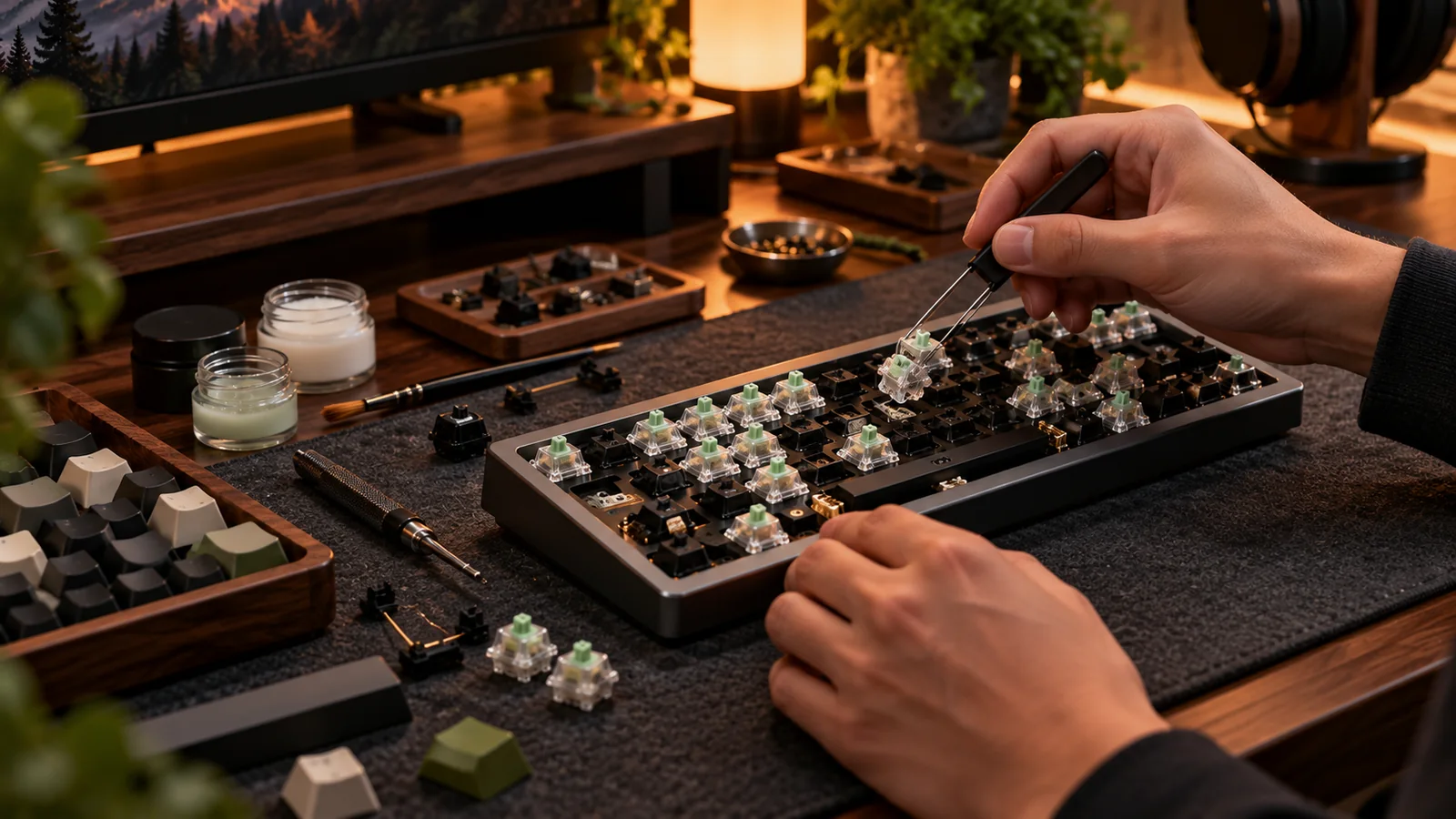
A bargain vintage or enthusiast board can become expensive the moment a dead switch appears. Whether its switches are soldered or plug into sockets changes the repair method, but not always the overall value. The right choice depends on how much of the keyboard you can safely reuse.
Soldered boards: fewer moving parts, more workshop time
Traditional soldered switches attach directly to pads on the PCB. Swapping one requires desoldering the old part without lifting pads, clearing the holes and soldering a compatible replacement. That is feasible with the right tools and practice, but risky for beginners working on fragile old traces. Some solder PCBs offer flexible layouts that modern fixed hot-swap footprints do not. A working soldered board should not be dismissed as obsolete. The question is whether you have the skills and access to replace parts if needed.
Hot-swap is convenient, not invincible
Hot-swap sockets simplify switch trials and most ordinary switch failures, but sockets themselves can break or detach if switches are forced into them. An inexpensive replacement PCB may be cheaper than paying for board-level socket repairs. However, not every case supports a modern hot-swap PCB. Check USB location, mounting positions, stabilizer holes, plate switch cutouts and firmware. A “same layout” replacement often fails for at least one of these reasons. Conversion also may alter the collector value of a vintage original.
Add up the real restoration cost
Itemize the purchase price, known-working parts, replacement switches, sockets or PCB, soldering equipment, shipping and your time. If the board has severe corrosion or unknown electrical faults, add a risk allowance. Compare that to a complete used working board. A repair is financially sensible when you value the case, collector identity or learning experience; it is not automatically the cheapest route to reliable daily typing. Ask the seller what failed, whether a previous repair was attempted and whether replacement parts are still sold.
The decision tree
Choose a compatible hot-swap replacement when the case and plate support it and you value frequent switch changes. Repair a soldered PCB when original preservation matters or a simple localized fault has been confirmed and you have the equipment. Pass on an unknown board when its cost plus repair uncertainty approaches a working alternative. If you have never soldered, practice on scrap electronics before approaching irreplaceable keyboard traces. A little restraint is the cheapest tool in a restoration kit.
Before you buy: four things to verify
- Identify soldered vs socket PCB from real photos.
- Verify replacement PCB mounts, port and layout.
- Count repair tools, parts, shipping and time.
- Preserve vintage originality when collector value matters.
Source and further reading
For the underlying hardware, layout or buyer-protection details, start with QMK keyboard hardware structure. Always verify individual model specifications with the maker before purchase.
Frequently Asked Questions
No. Properly soldered designs can be durable; repairability and customization differ.
No. Fit, traces, PCB availability and connector designs can make conversion impractical.