Rattling Spacebar? Diagnose Stabilizers Before Buying Parts
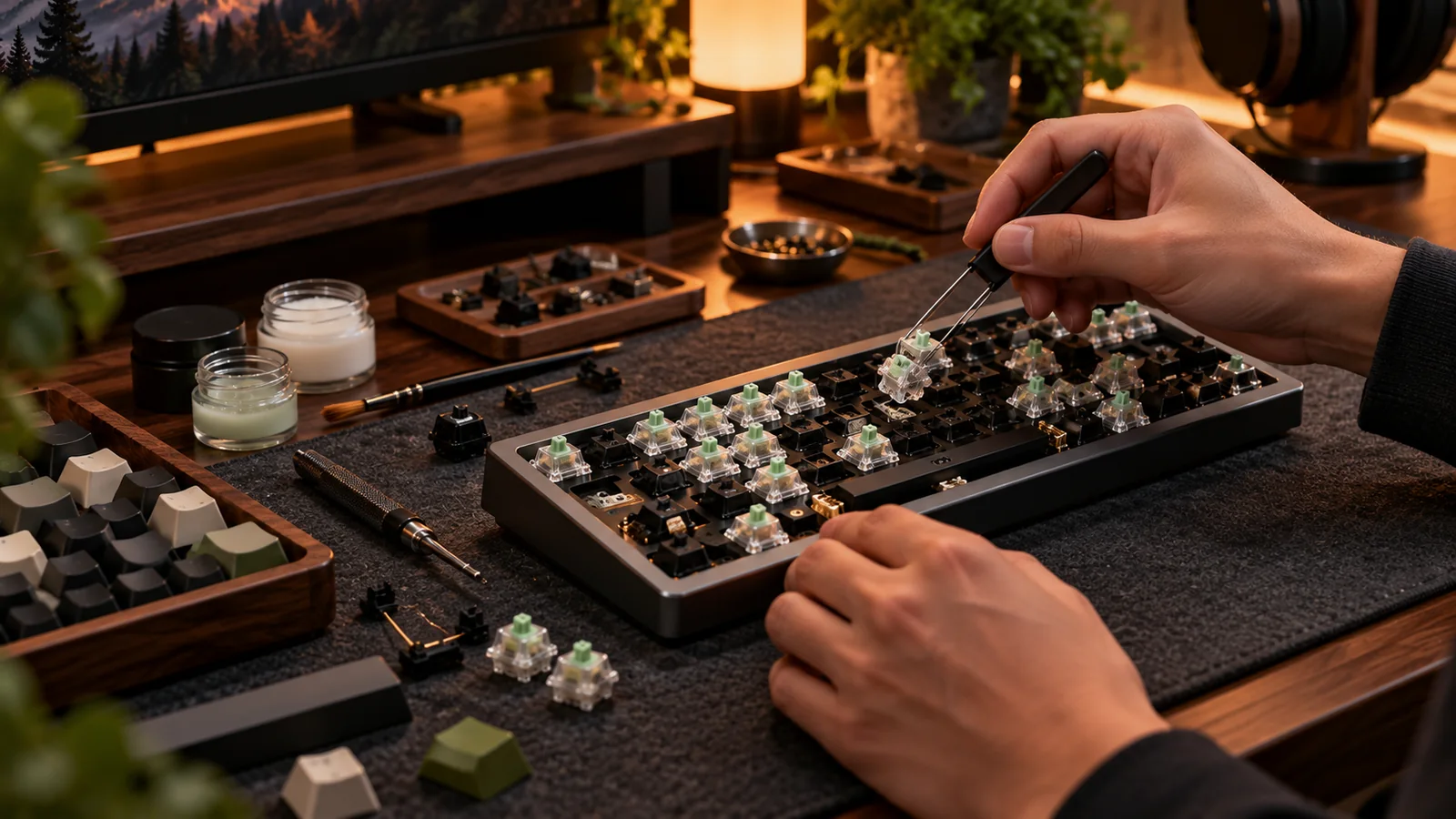
A spacebar can sound like a tin can even when every letter key sounds polished. That usually points to the stabilizer assembly, the wire and plastic housings that keep long keys level. The smart move is diagnosing the source of the noise before spending on switches, foam or an entirely new board.
Separate switch noise from stabilizer noise
Press the spacebar in its center, then at each end. A metallic tick or rattle that changes by touch location suggests wire or housing play. A smooth thud with occasional scratch may be a keycap rubbing the case, while a crunchy feel can signal misalignment or debris. Compare the sound to Enter and Backspace, which also use stabilizers. Pulling only the spacebar cap often reveals whether one stabilizer stem sits lower or moves sluggishly. Do not pry aggressively; use a proper wire keycap puller.
Check simple causes before disassembly
Inspect the cap for warping and check that it is fully seated on both stabilizer stems. A slightly bowed or poorly fitted cap can make a tuned assembly sound terrible. If the wire is visibly unseated or one side sticks, fix alignment first. A plate-mounted stabilizer can sometimes be removed without pulling the entire PCB, but screw-in units generally require more assembly work. Confirm which type your board uses before ordering parts; a screw-in replacement will not magically attach to a plate-only design.
Tune carefully and stop when it works
A little compatible grease on wire contact points can reduce metal-on-plastic chatter. Too much grease produces sluggish return and collects dirt. Some boards benefit from fabric or thin pad mods, but adding thickness indiscriminately can bind the stabilizer. Re-test with the actual spacebar after each adjustment, pressing center and both ends. If you use a liquid lubricant, avoid electrical contacts and use only products appropriate for keyboard components. Always disconnect power before opening the case.
When replacement makes more sense
Replace a stabilizer if the housing clip is broken, the wire is deformed, or repeated careful tuning fails. Match mounting type, wire sizes and spacebar length. Most standard boards use a long spacebar wire and shorter wires for other wide keys, but custom layouts vary. Buying an expensive switch pack rarely solves stabilizer rattle; a small targeted part or ten minutes of tuning often does. Diagnose first, then buy exactly the damaged part.
Before you buy: four things to verify
- Press center and both ends to identify wire chatter.
- Confirm keycap seating, warping and stabilizer mounting type.
- Use minimal appropriate lubricant; test return speed.
- Match spacebar wire length before ordering replacements.
Source and further reading
For the underlying hardware, layout or buyer-protection details, start with Keychron stabilizer collection and types. Always verify individual model specifications with the maker before purchase.
Frequently Asked Questions
Not if the rattle comes from the stabilizer wire or housing. Diagnose the stabilized key first.
Not automatically. Many modern stabilizers need no clipping, and unnecessary trimming is irreversible.