North-Facing LEDs and Cherry-Profile Keycaps: The Interference Test
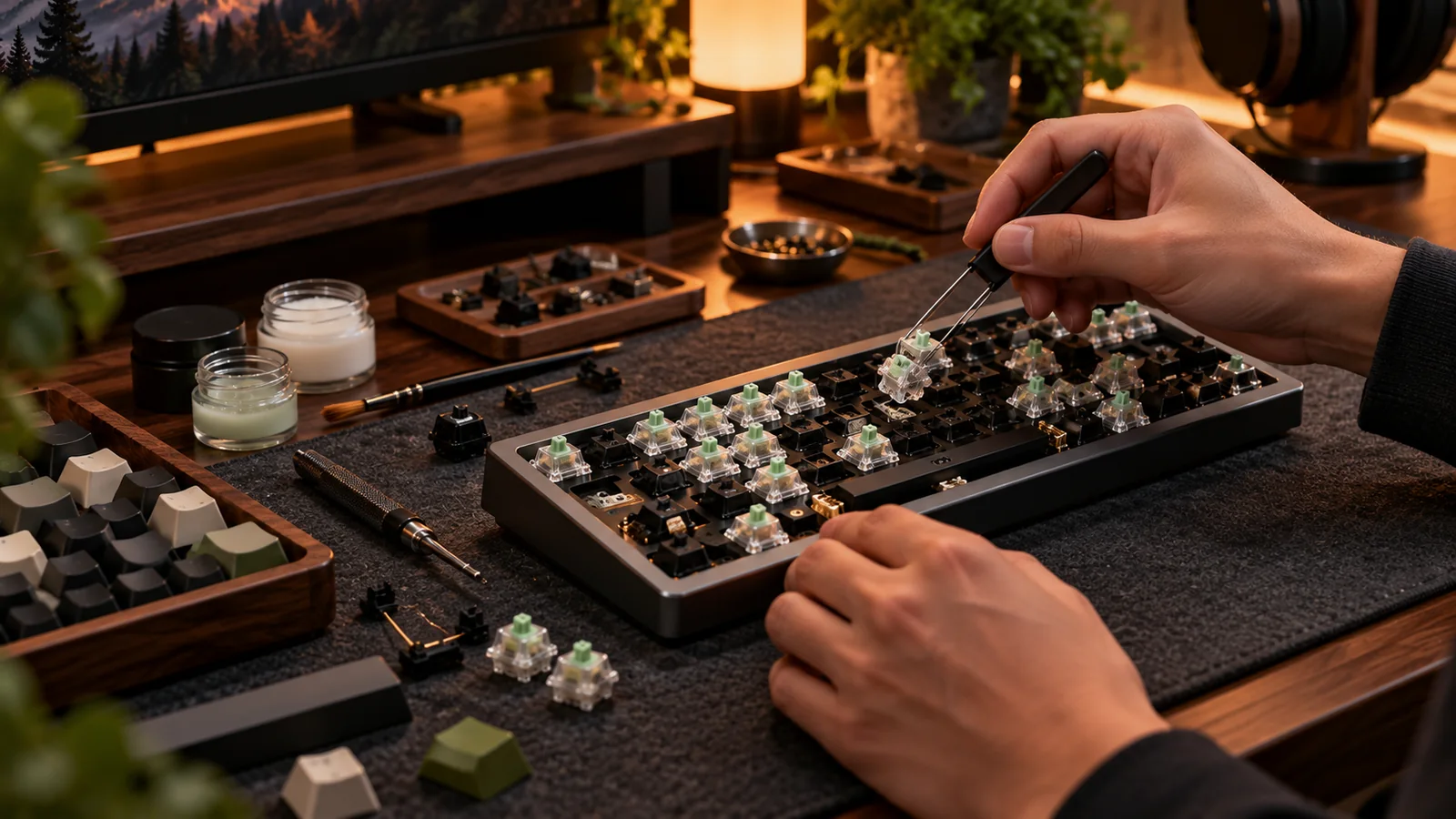
“North-facing interference” sounds like a minor enthusiast obsession until one row of your new keycaps feels different from the rest. The problem is real on some combinations of switch housing and sculpted Cherry-profile caps, but LED direction alone does not prove that your board has it.
What actually touches
The LED position often indicates switch orientation. With a north-facing switch, the taller portion of a conventional switch top housing may sit near a lower wall of a Cherry-profile keycap at bottom-out. On some combinations, plastic contacts plastic before the intended travel ends. That can alter sound or feel on particular rows. The effect varies with the keycap mold, row geometry, switch housing and actual switch travel. Many newer switches use housing designs that reduce the problem; other profiles never exhibit the same collision.
Run a controlled row-by-row test
Try a complete set on the keyboard, not just one isolated keycap. Compare a key on the affected row with the same style switch fitted under a known-compatible profile. Slowly bottom out and listen for a hard plastic tick, then type a paragraph at ordinary speed. Compare multiple keys; stabilizers, foam and case acoustics can confuse the result. If your new set feels perfectly normal, you have no problem worth solving. Do not spend on a PCB merely because a compatibility forum mentioned north-facing LEDs.
Fixes ranked by cost and disruption
First, try a keycap profile or specific Cherry-profile mold confirmed compatible with the switch. Second, investigate switches with housings designed to clear the cap. Both options can preserve the existing PCB. Replacing the PCB or rotating entire switch orientation is a far larger intervention and often not mechanically supported by the plate or case. Thin shims or other hacks can change travel or stability, so they are poor first recommendations. There is no universal one-mod cure for all boards.
How to screen listings
Look for photos of the PCB or switches to confirm orientation, then search for compatibility reports tied to that exact switch and keycap set. A seller saying “Cherry compatible” usually addresses the MX cross stem, not bottom-out clearance. Product pages that document south-facing LEDs give useful reassurance, but still confirm the keycap layout fits. If you have not bought either component yet, choose the combination with clearer compatibility documentation rather than betting on a sound-test video alone.
Before you buy: four things to verify
- Confirm actual switch orientation from a photo.
- Test an entire keycap row for bottom-out feel.
- Separate stabilizer noise from cap-housing collision.
- Prefer tested keycap/switch combinations over vague fit claims.
Source and further reading
For the underlying hardware, layout or buyer-protection details, start with Keychron keycap compatibility guide. Always verify individual model specifications with the maker before purchase.
Frequently Asked Questions
No. It depends on switch housing, travel, keycap profile and mold.
No. Stem, physical layout, stabilizers and case clearance can still rule out a set.